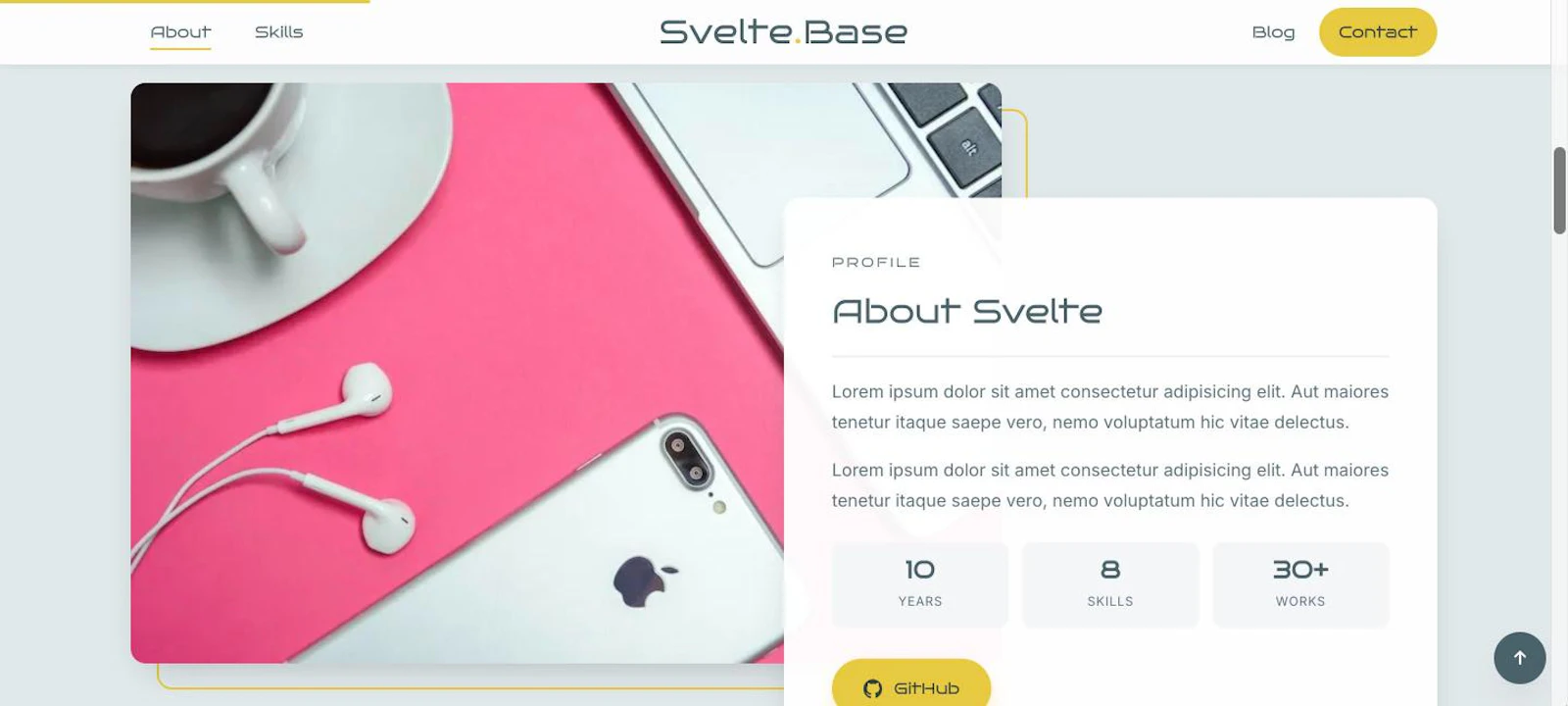
「Svelte Base」は Svelte 5 に移行し、スクロールで要素がふわっと表示される演出も AOS ライブラリから自作の Action に置き換えました。ライブラリなしで、数字のカウントアップまで含めて 50 行ほどです。
リポジトリ:SvelteKit-TypeScript-MicroCMS-Site / デモ:https://sveltebase-phi.vercel.app/
Svelte 5 の Runes
Svelte 5 では、props は $props()、状態は $state() で宣言します。記事ページも次のように書けます。
<script lang="ts">
  import type { PageData } from './$types'
  let { data }: { data: PageData } = $props()
</script>
Action とは
Action は use:名前 で要素に付けられる関数です。要素が DOM に追加されたときに呼ばれ、戻り値の destroy が取り外されるときに呼ばれます。IntersectionObserver のような「要素ごとに監視して、最後に止める」処理にぴったりです。
// src/lib/reveal.ts
import type { Action } from 'svelte/action'

export const reveal: Action<HTMLElement> = (node) => {
  const io = new IntersectionObserver((entries) => {
    for (const e of entries) {
      if (!e.isIntersecting) continue
      const el = e.target as HTMLElement
      el.classList.add('is-in')
      el.querySelectorAll<HTMLElement>('[data-count]').forEach(countUp)
      io.unobserve(el)
    }
  }, { threshold: 0.15 })
  io.observe(node)
  return { destroy: () => io.disconnect() }
}
使う側は class="reveal" と use:reveal を付けるだけです。アニメーション自体は CSS で .reveal → .reveal.is-in のトランジションとして書いています。
<div class="section-head reveal" use:reveal>...</div>数字のカウントアップ
About の「10 YEARS」「30+ WORKS」のような数字は、data-count と data-suffix を持たせておき、表示されたときに 0 から数えます。イージングは ease-out の 3 次関数です。
const countUp = (el: HTMLElement) => {
  const end = Number(el.dataset.count)
  const suffix = el.dataset.suffix ?? ''
  if (reduceMotion()) { el.textContent = end + suffix; return }
  const t0 = performance.now()
  const step = (t: number) => {
    const p = Math.min((t - t0) / 1200, 1)
    el.textContent = Math.round(end * (1 - Math.pow(1 - p, 3))) + suffix
    if (p < 1) requestAnimationFrame(step)
  }
  requestAnimationFrame(step)
}
reduced motion への配慮
prefers-reduced-motion: reduce の環境では、カウントアップをせずに最終値をすぐ表示します。matchMedia は SSR 中には存在しないので、typeof matchMedia !== 'undefined' の確認を入れているのもポイントです。
まとめ
- Svelte 5 では
$props()/$state()で書く - スクロール表示は Action + IntersectionObserver で十分
destroyで監視を止めてメモリリークを防ぐ- 動きを減らす設定の人には最終状態をすぐ見せる